
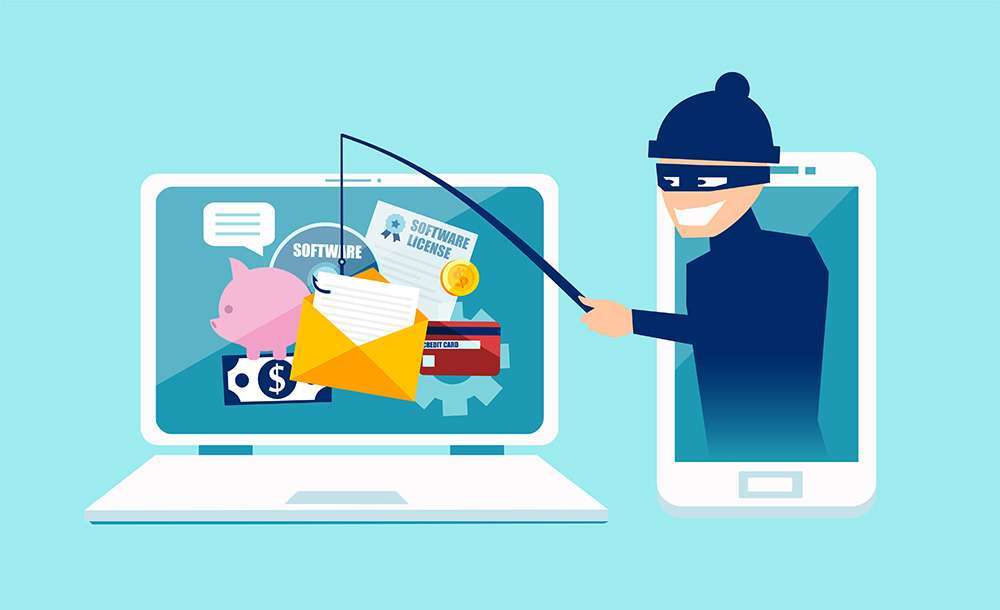
A message says your business email will be shut down today. An invoice arrives with new payment details. Someone claiming to be your website provider asks you to sign in through a link.
Any of these could be legitimate—or a phishing attempt. Phishing uses a convincing message to get someone to reveal information, send money, or take an unsafe action. It can arrive by email, text, social message, or phone. FBI guidance on spoofing and phishing
The most useful habit is to pause and verify the request through a channel you already trust.
Check the request, not just the appearance
A familiar logo or sender name is not enough. Look at the full sender address and think about what the message asks you to do. Be cautious with unexpected attachments, sign-in requests, payment changes, or instructions to install software.
Spelling mistakes can be a warning, but correct spelling does not establish that a message is genuine. A convincing message still needs verification.
If a request seems unusual, open the service through your saved bookmark or usual app. For a payment change, call the contact using a number you already have. Avoid using the phone number or reply address supplied in the suspicious message. Microsoft’s phishing guidance
Protect the accounts your business depends on
A familiar logo or sender name is not enough. Look at the full sender address and think about what the message asks you to do. Be cautious with unexpected attachments, sign-in requests, payment changes, or instructions to install software.
Spelling mistakes can be a warning, but correct spelling does not establish that a message is genuine. A convincing message still needs verification.
Protect the accounts your business depends on
Use a unique password for each account and a password manager to help maintain them. Enable multifactor authentication, especially for email, website administration, and advertising accounts.
Where available, consider phishing-resistant sign-in methods such as properly implemented passkeys or security keys. A texted or app-generated code can still be captured by a fake sign-in page; never share a code with someone who calls or messages you.
Routine password changes on a calendar are not a substitute for strong, unique credentials. NIST’s authentication guidance advises against requiring periodic password changes without evidence of compromise. Change a password promptly when there is evidence it has been exposed. NIST authentication guidance
Give the team a simple reporting process
Make sure everyone knows whom to contact about a suspicious message. Encourage quick reports, including when someone has already clicked. A blame-focused response can delay the information needed to protect the business.
Use the email provider’s phishing-reporting feature where available. Follow your organization’s process for preserving a suspicious message for investigation rather than circulating it to coworkers.
If someone clicked or shared information
Tell the person responsible for IT or security immediately. Explain what happened: opening a link, downloading a file, entering a password, and approving a sign-in are different events.
Use a trusted route to secure affected accounts. Have IT review account access and the device as appropriate. If money or banking information was involved, contact the financial institution promptly through a verified number. Microsoft’s guidance recommends contacting IT, changing affected passwords, and reporting fraudulent financial activity.
For U.S. fraud reporting, the FBI directs phishing reports to the Internet Crime Complaint Center.
A short verification call can prevent a rushed decision. Build that pause into your team’s daily routine.